

Fundraising tips
1. Start with a personal donation
Make the first gift to your own event. It shows commitment and sets the tone for others to follow.
2. Tell your story
Share why you're fundraising in support of Trans Canada Trail and what the Trail means to you. A personal story makes your ask more meaningful and inspires others to give.
3. Use your network
Reach out to friends, family and coworkers directly. A one-to-one ask is often more effective than a general post.
4. Make it easy to give
Include your fundraising link in every message and on all your social media posts.
5. Share updates
Post progress reports or milestones you've reached. It reminds people to give – and shows the impact you're making.
6. Say thank you
Always thank your donors — publicly or privately. A quick message or shoutout helps build momentum and encourages others to get involved.
Key Messages About Trans Canada Trail
- The Trans Canada Trail is the longest multi-use trail system in the world and it is always growing. It reaches every province and territory and connects all three of Canada’s coastlines. Each section of the Trans Canada Trail is managed locally and supports different activities and community needs.
- Trans Canada Trail is the organization that advocates, stewards and champions Canada’s nationwide trail system, providing leadership and guidance, funding and resources, outreach and engagement.
- Every donation helps keep the Trail safe and accessible for all, year round.
Sample Social Posts
Below are ready-to-use examples of social copy. Please feel free to adapt them to your event. Don’t forget to tag Trans Canada Trail in your posts so we can see and share your content, and use #TransCanadaTrail to help others discover your fundraiser.
Promote your event:
I’m taking part in [event name] in support of @transcanadatrail.
[Add one sentence about your event or why this matters to you]
Every donation helps protect the Trail and keep it accessible for everyone across Canada.
You can support my fundraiser here: [Insert event link]
Ask for donations :
I’m fundraising in support of @transcanadatrail by taking part in [event name]. Every donation, big or small, helps maintain and protect this incredible trail network.
Help spread the word or donate here: [Insert event link]
Thank your supporters:
Thank you to everyone who has contributed to my fundraiser in support of @transcanadatrail. It really means a lot and helps keep the Trail safe and accessible.
If you’d like to donate or help spread the word, you can do so here: [Insert event link]
Social Media Graphics
You can download the images below or use our free Canva templates to customize.
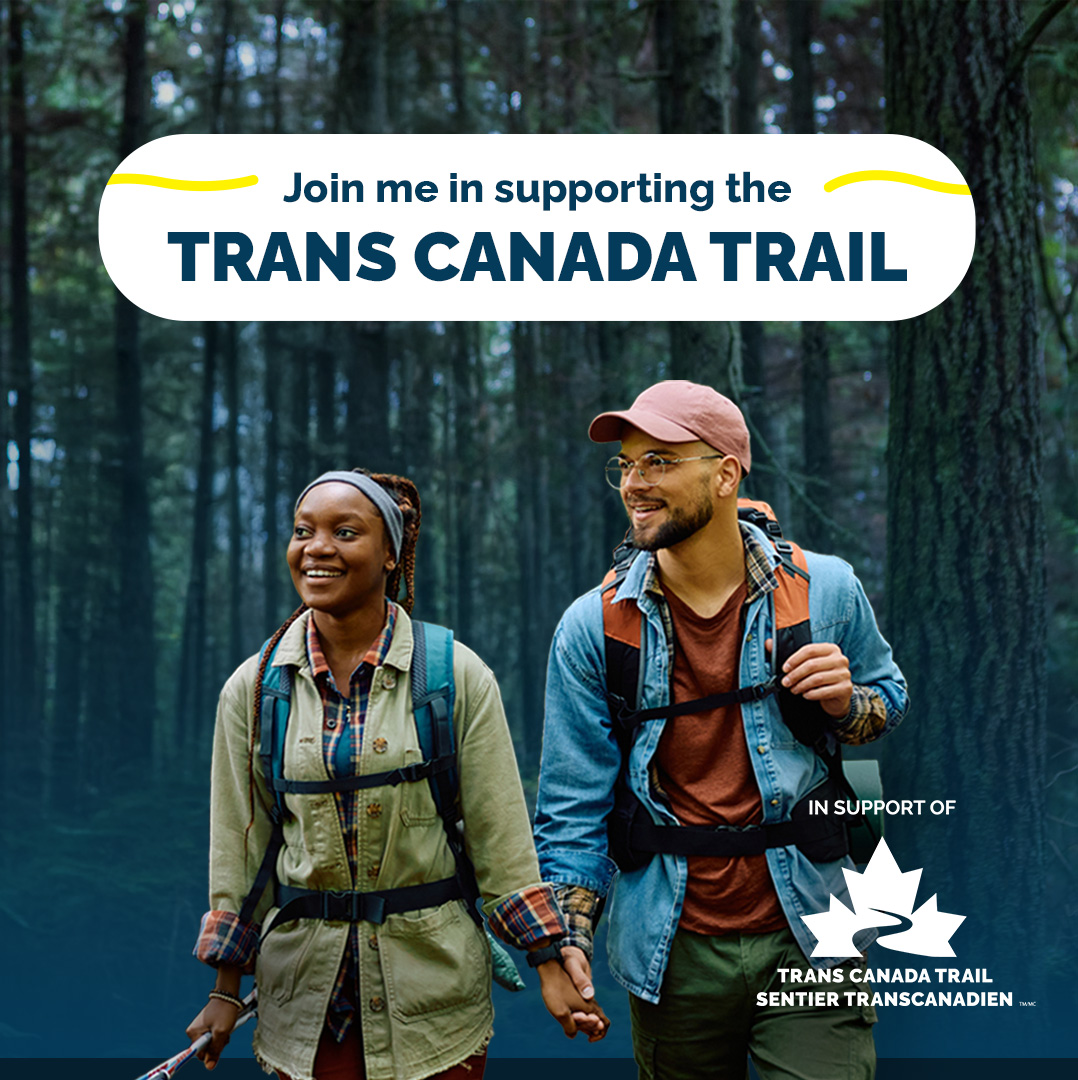
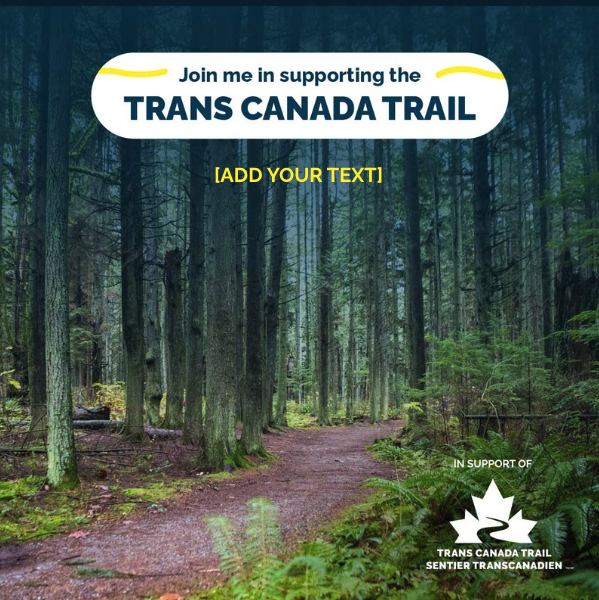
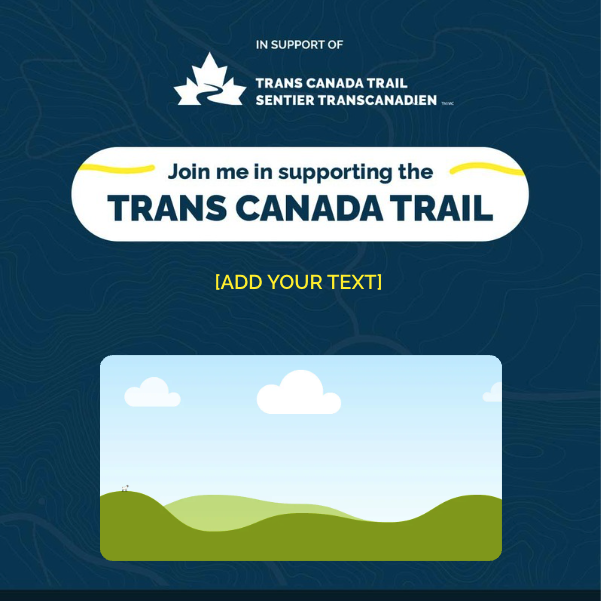
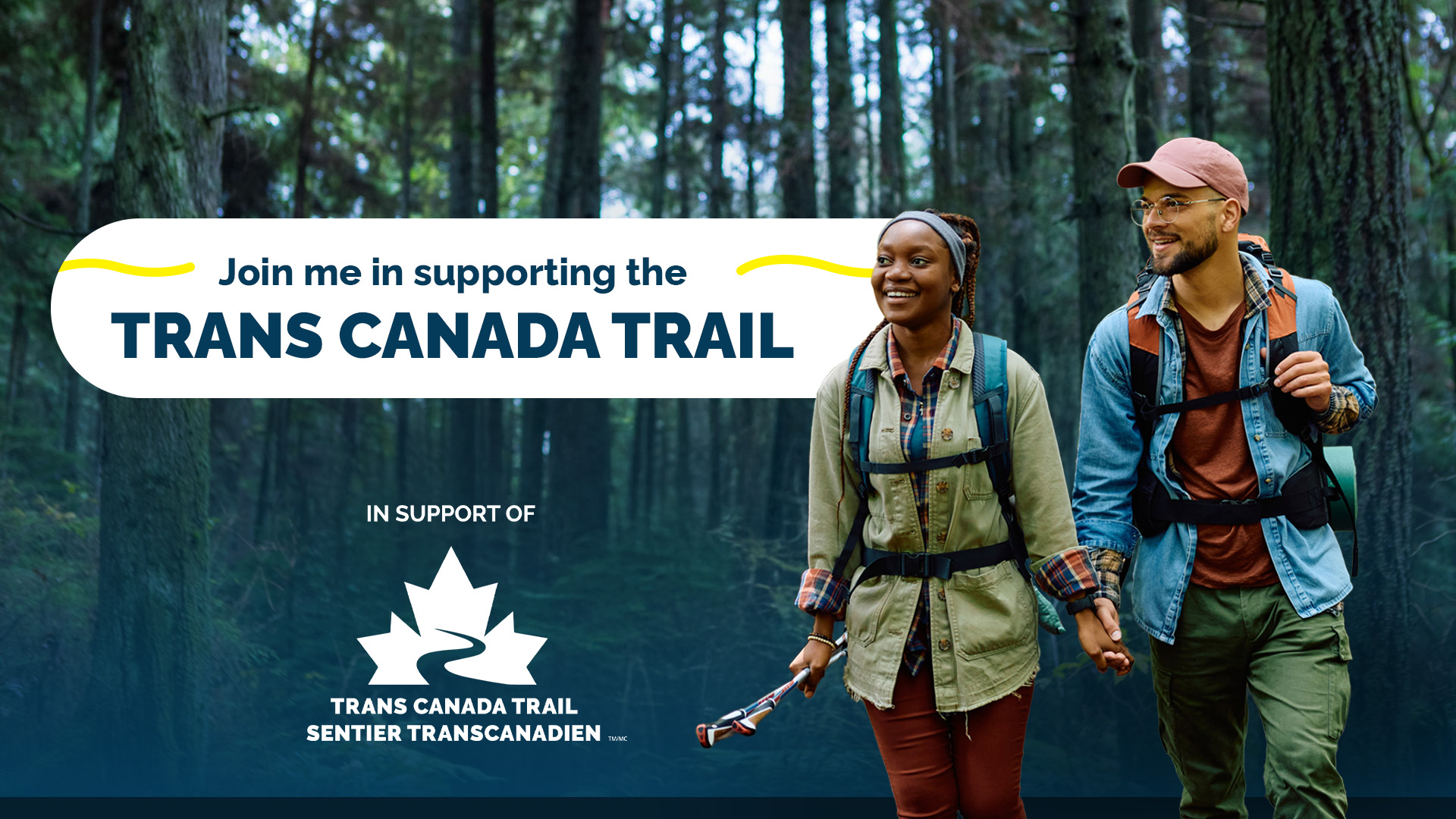
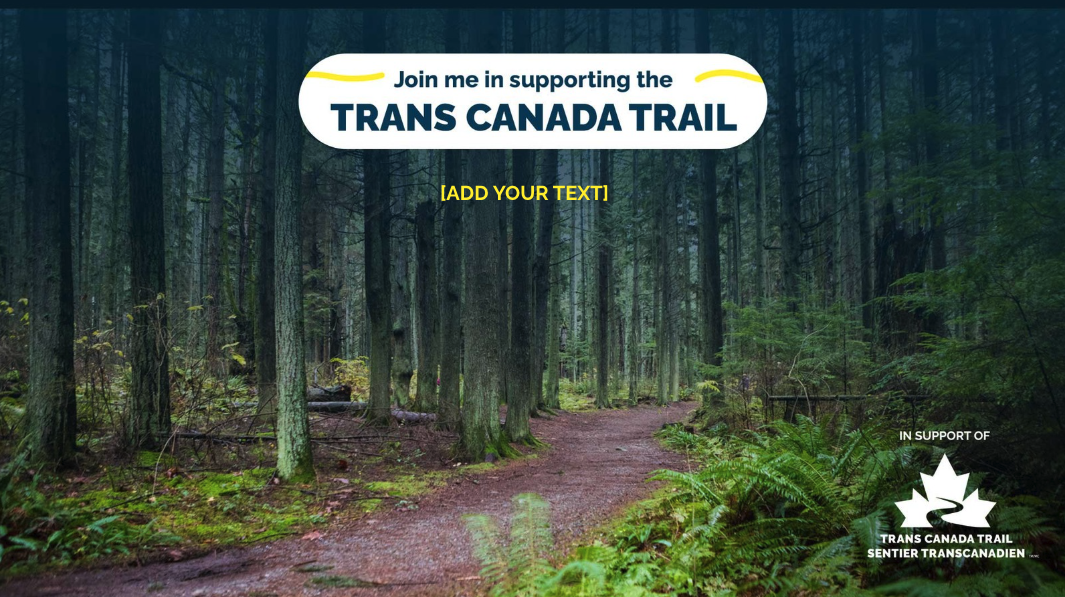

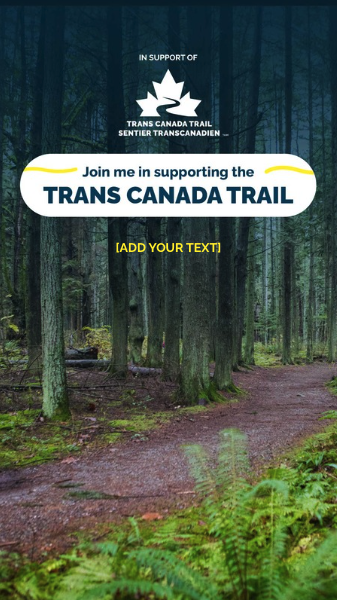
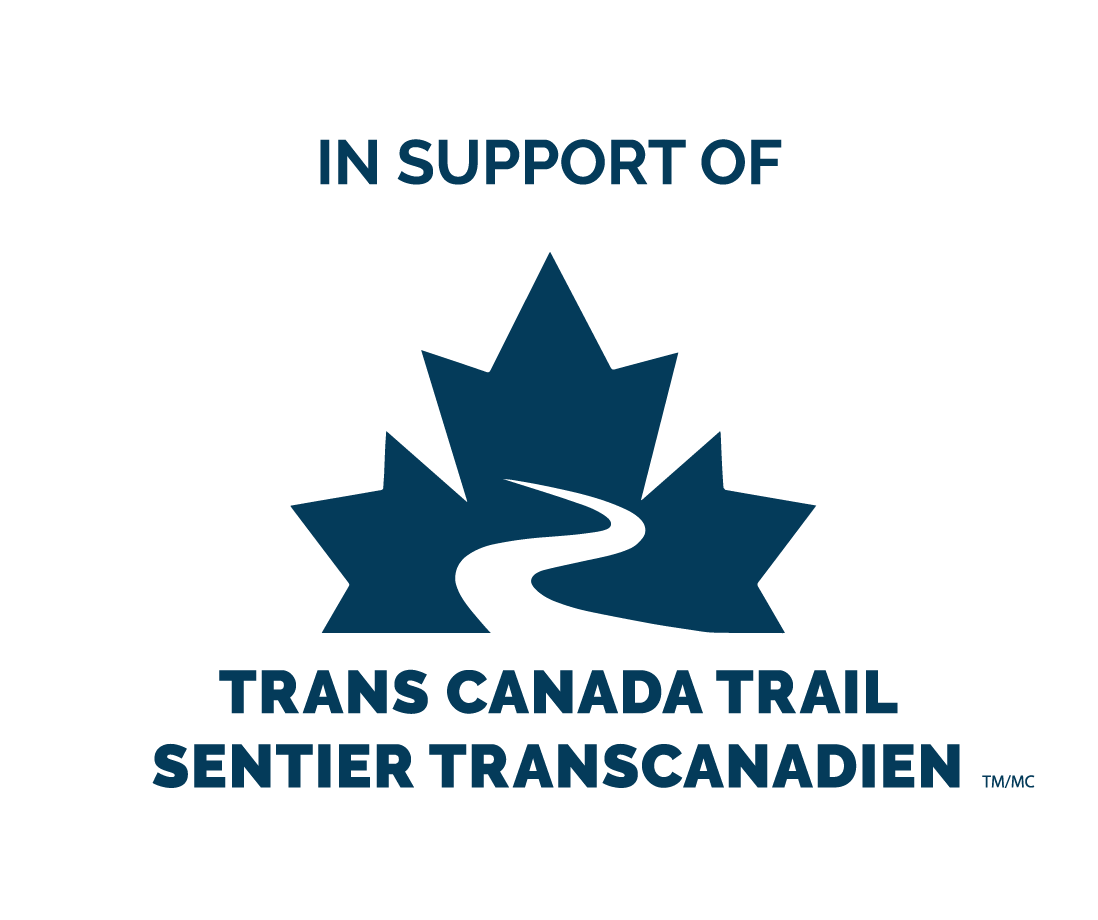
In support of Trans Canada Trail Logo
You can download the logos below to use on your promotional materials.
The stacked logo in blue should be prioritized and used whenever possible. Alternate (horizontal, black or white) versions may be used when the stacked blue logo is not suitable for layout or visibility.
Any promotional materials using the “In support of Trans Canada Trail” logo must be sent to us for review at donorservices@tctrail.ca.




Logo Usage Guidelines
Clear space (safety area)
Always maintain a minimum clear space around the logo. Use the height of the “TR” in “TRANS” (from the wordmark) as a guide to define this space at any scale.
Logo integrity
- Logo must be used as is.
- Do not alter, stretch, rotate or modify the logo in any way.
- Do not change the logo colours.
- Do not apply outlines or effects to the logo.
Contrast and visibility
- Make sure there is enough contrast between the background and the logo.
- Avoid placing the logo on high-contrast or busy photos.
- Avoid placing the logo on backgrounds with similar colour values to the logo.